Use it right awayRead sentences and check speech recognition without installing anything.
 Hear your own voice againBuild a habit of hearing how you spoke before chasing perfect accuracy.
 Move step by stepStart with easy greeting sentences and unlock stages to raise the speaking level.
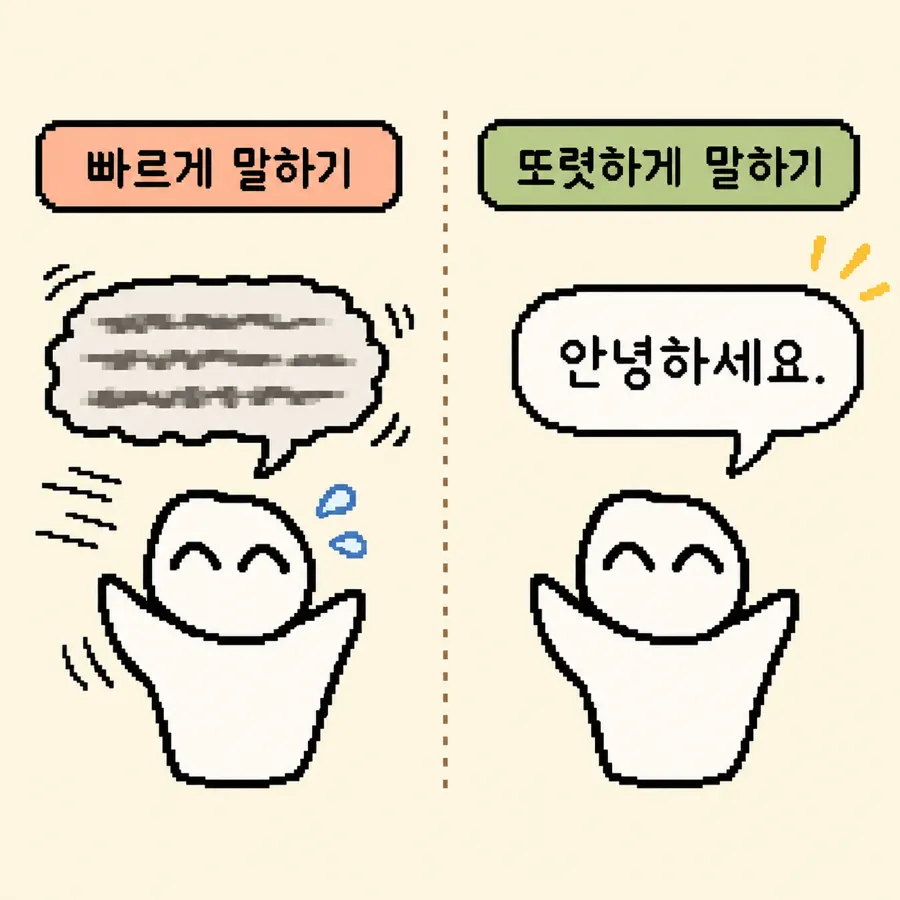 Speak clearly
Wake up your mouth shape
If vowels blur, the whole sentence can sound unclear. For the first read, move your mouth a little more than usual and read slowly.
Whatsay is a free web tool that helps you keep practicing Korean speaking with stages and review.

안녕하세요.
첫 소리는 밝게, 끝은 흐리지 않게 읽어보세요.
No speech detected yet.
Speak clearly
If vowels blur, the whole sentence can sound unclear. For the first read, move your mouth a little more than usual and read slowly.
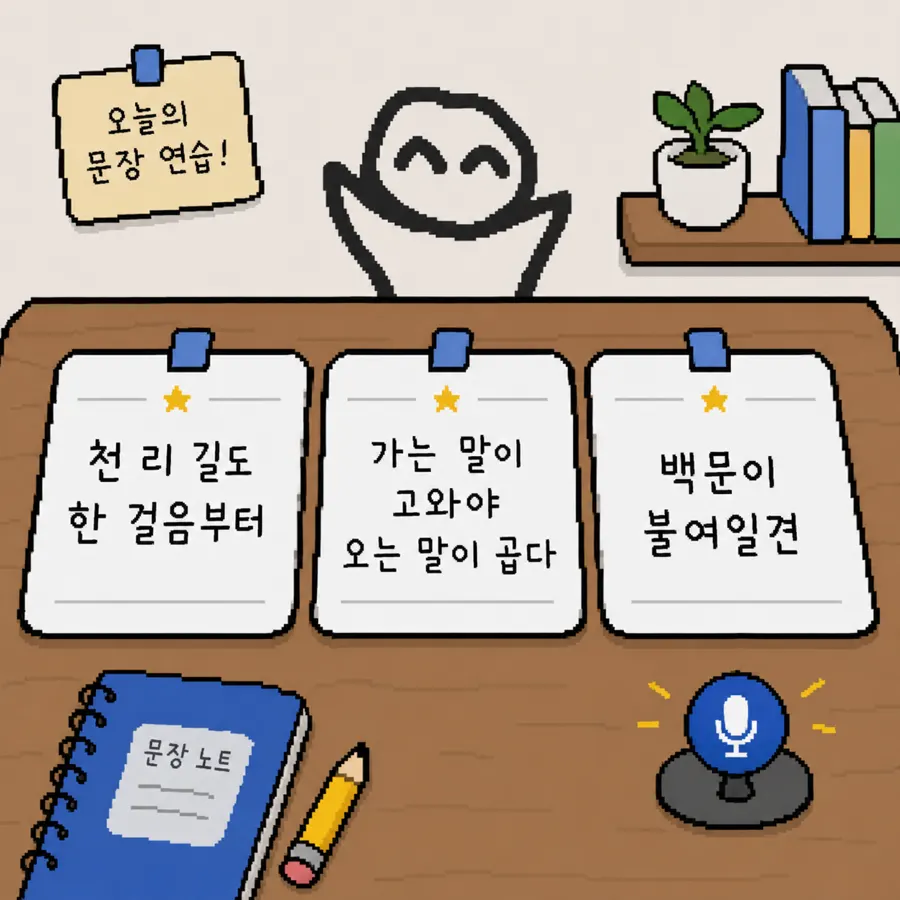 Practice flow
Check the next stage in the open unit and start from easy sentences in order.
 Choose the situation you need today and speak right away.
Practice responding to another person through 1:1 dialogue, customer service, and phone replies.
 Records
Turn on auto-save to replay recent recordings and check endings, pauses, and pronunciation yourself.
Mistakes are fine. Seeing which words were recognized differently makes the next practice easier.
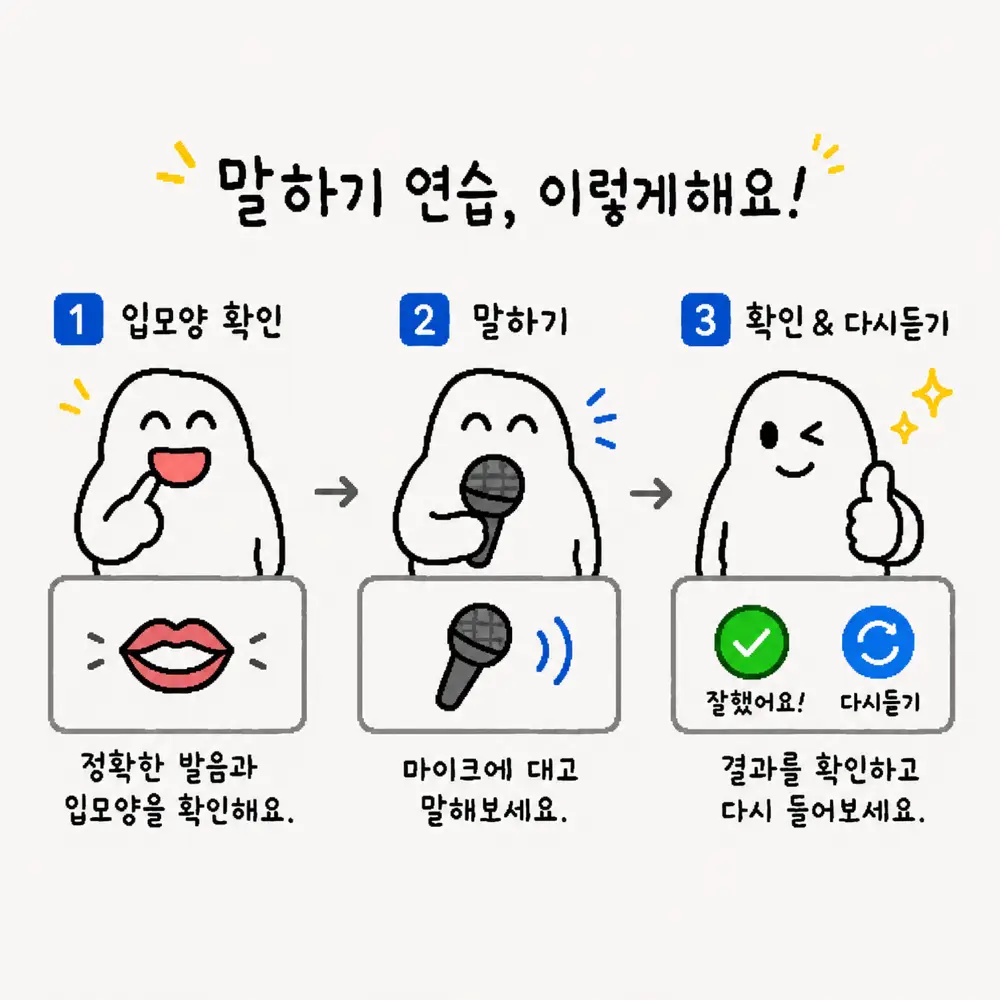
The first step is speaking without skipping or changing the sentence. Whatsay compares the original and recognition result to show what sounded different.
Natural speech depends more on pauses than speed. Reading by meaning chunks helps reduce rushed delivery.
Good speaking does not end with matching words. Intonation, rhythm, and stress help listeners understand more comfortably.
Your imagined voice and actual recording can differ. Whatsay connects reading, recognition, and replay into one self-check flow.
No. This version works directly in the browser without signup. Records are stored on your device by default.
Not necessarily. Speech recognition is affected by noise and browser environment, so use the score only as feedback for the next practice.
When recording auto-save is on, recent recordings are stored on your device. They are not uploaded to Whatsay's own server.
Speech recognition depends on browser support. Chrome-based browsers are relatively stable, and microphone permission is required.
Whatsay is ready to use right away, but first-time learners may want to check the speaking guide and privacy notes first. Read what you need below, then return to today's practice.
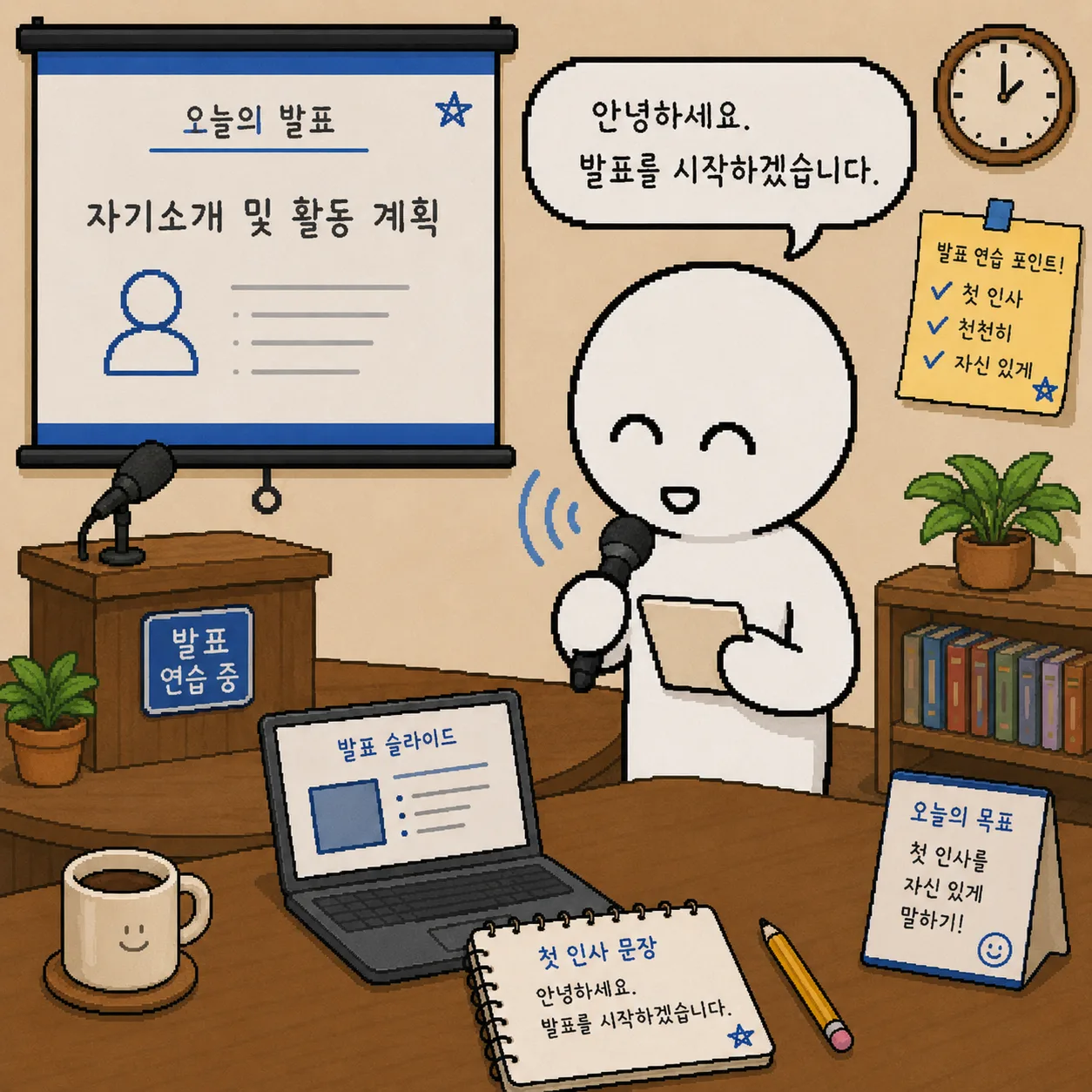
The practice room is not a course to clear in order. It is a place to choose the speaking situation you need now: quote cards, dialogue, service, interview, presentation, and announcements.

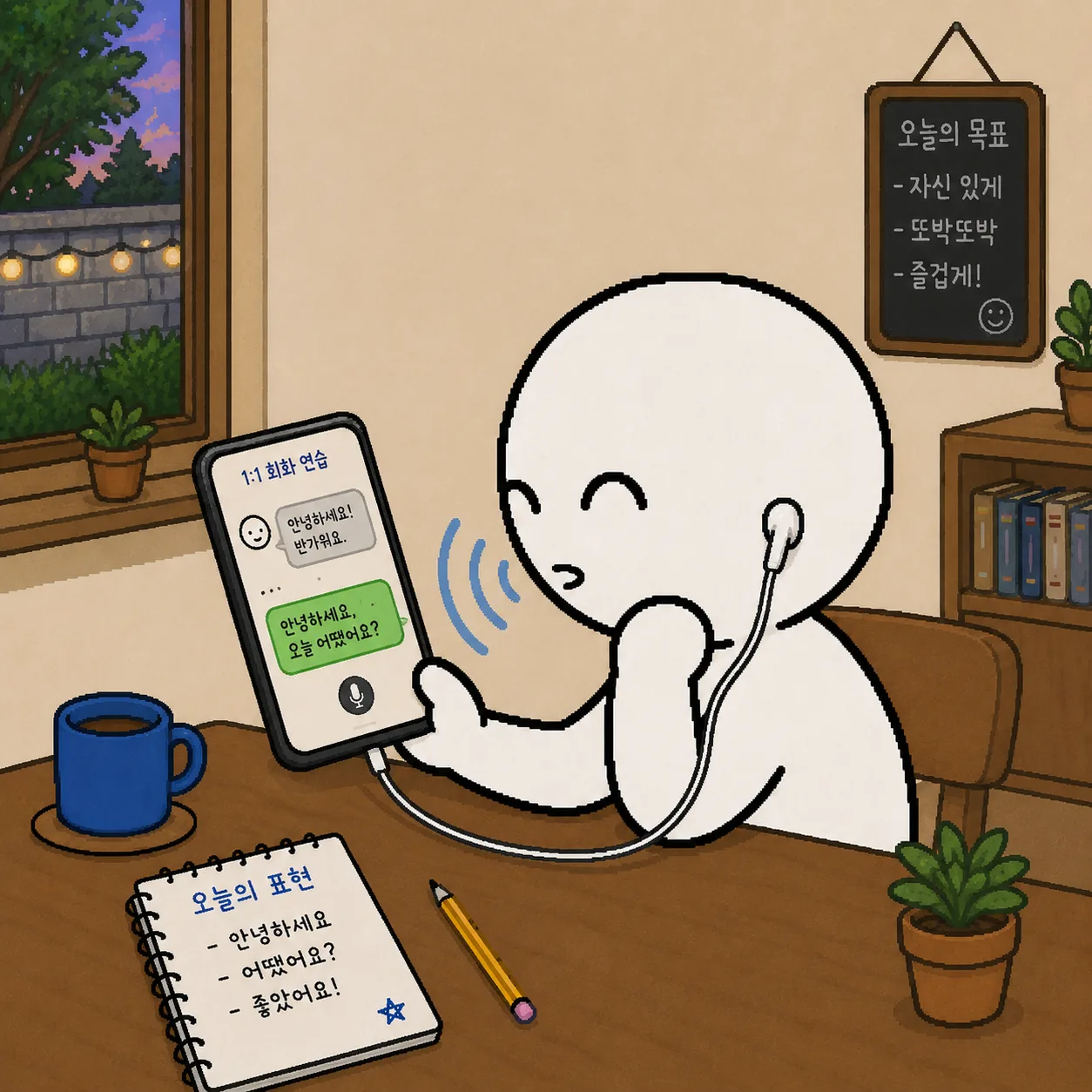
Recognition can vary by microphone position, noise, speaking speed, and browser. Treat the score as practice feedback, not a professional pronunciation diagnosis.
Speaking guideWhatsay currently does not require signup and does not upload recording files to its own server. Recordings and detailed records are stored on your device by default.
View the privacy policyNo. This version works directly in the browser without signup. Records are stored on your device by default.
Start today